 Winkle QR
Winkle QR
Winkle QR
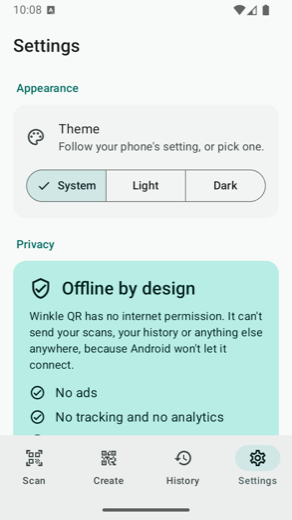
Not "we promise not to track you". Winkle QR holds no internet permission at all, so Android itself refuses to let it phone home. Scan codes, design your own, print posters. Everything stays on your phone.


Why it's different
A QR code can hold your Wi-Fi password, your contact card, a payment link. Winkle QR cannot send any of it anywhere, because the permission that would allow it was never requested. The build even fails if that ever changes.
Posters
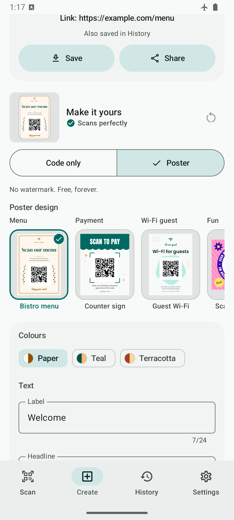
Menus, payments, guest Wi-Fi, weddings, events, socials, shops. Edit the words, pick a colour theme, export a sharp PDF in A4, Letter or A5. No account, no watermark, no subscription.


What it does
The barcode model ships inside the app, so nothing is uploaded to be recognised. Not once.
QR codes and everyday barcodes (EAN, UPC, Code 128, Code 39) with flashlight, pinch zoom, tap to focus and a highlight on the code it locked onto. Got a code in a screenshot instead? Pick the photo and it reads that too, even if you have refused camera access.
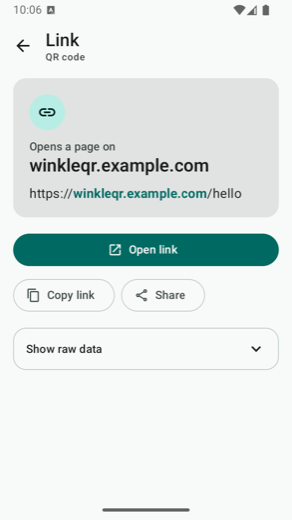
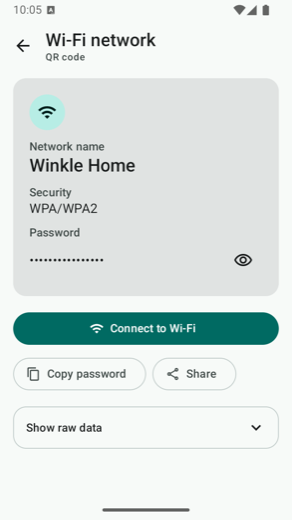
Links, Wi-Fi, contacts, phone numbers, SMS, email, products. Each gets the right action, and links show the real domain so a lookalike stands out before you tap.
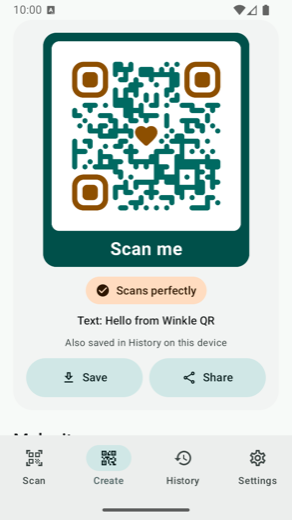
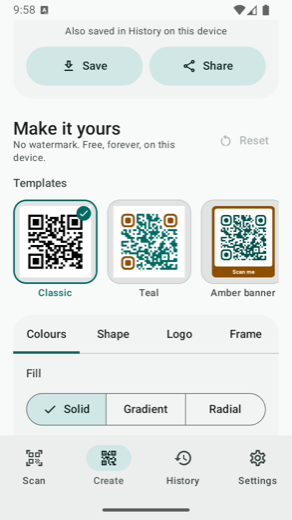
Colours and gradients, dot and eye shapes, a logo in the middle, frames, and any colour you like rather than a fixed set of presets.
Before you save, the app reads its own design back. If a colour choice would break it you are told straight away, instead of finding out on a printed sign.
Export an image or a vector PDF that stays sharp at any size, in A4, Letter or A5.
Saved on the phone only, and left out of cloud backups and phone transfers. Delete one, or clear the lot.
Your codes and posters come out clean. No logo of ours, no "upgrade to remove", no subscription.
Built for the screens you paid for
Most scanners just blow the phone layout up on a foldable. Winkle QR is laid out for each posture, and it never puts anything across the crease.
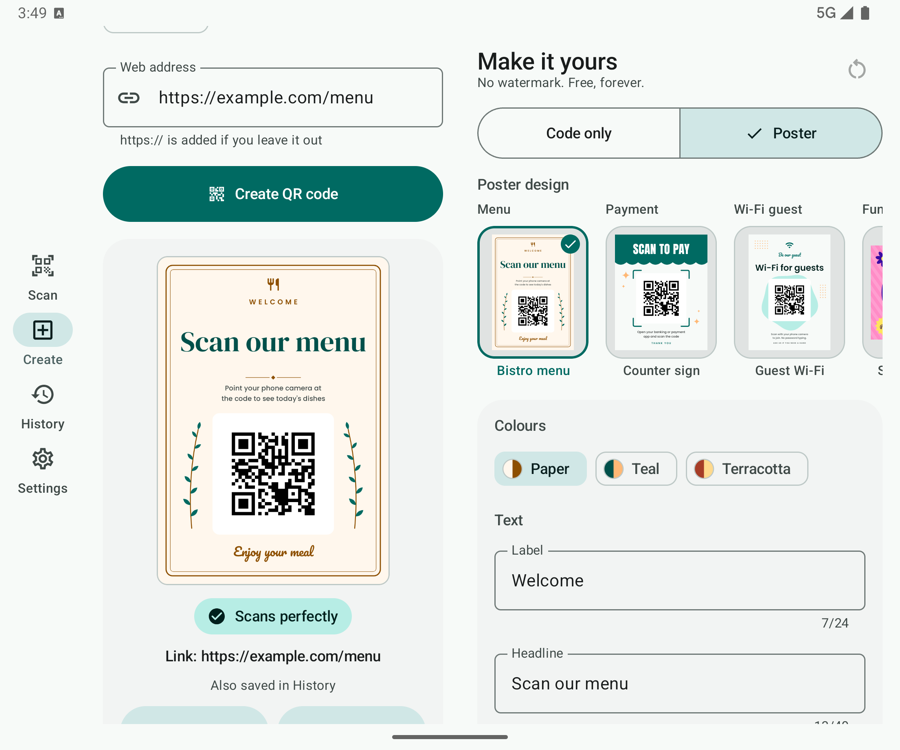
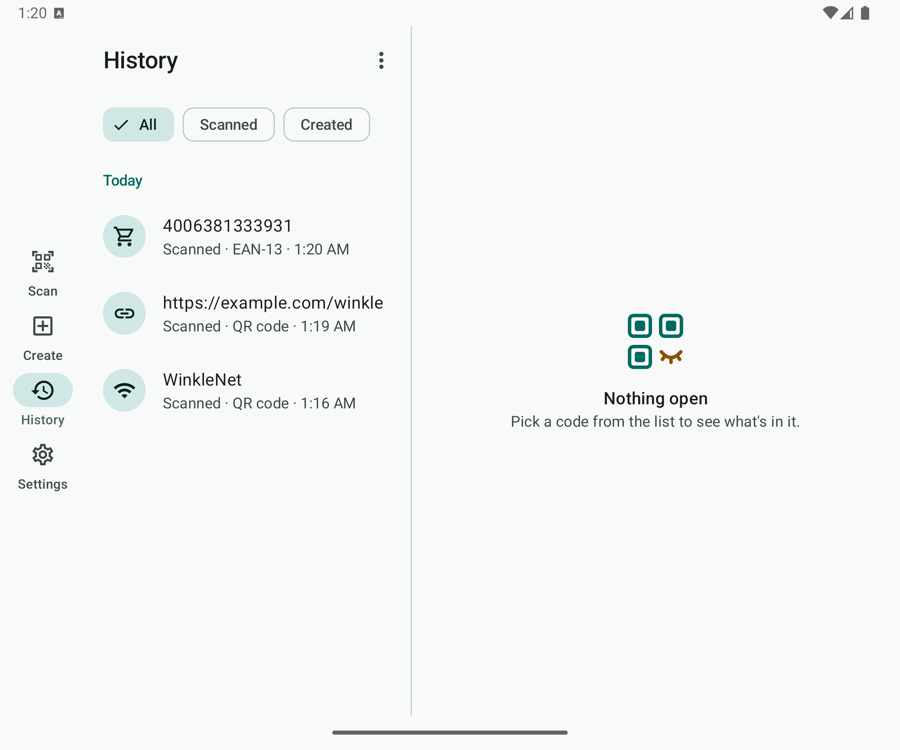
Your form and live code on one side, the whole studio on the other, with a navigation rail instead of a bottom bar. History works the same way: the list on the left, the code you tapped on the right.
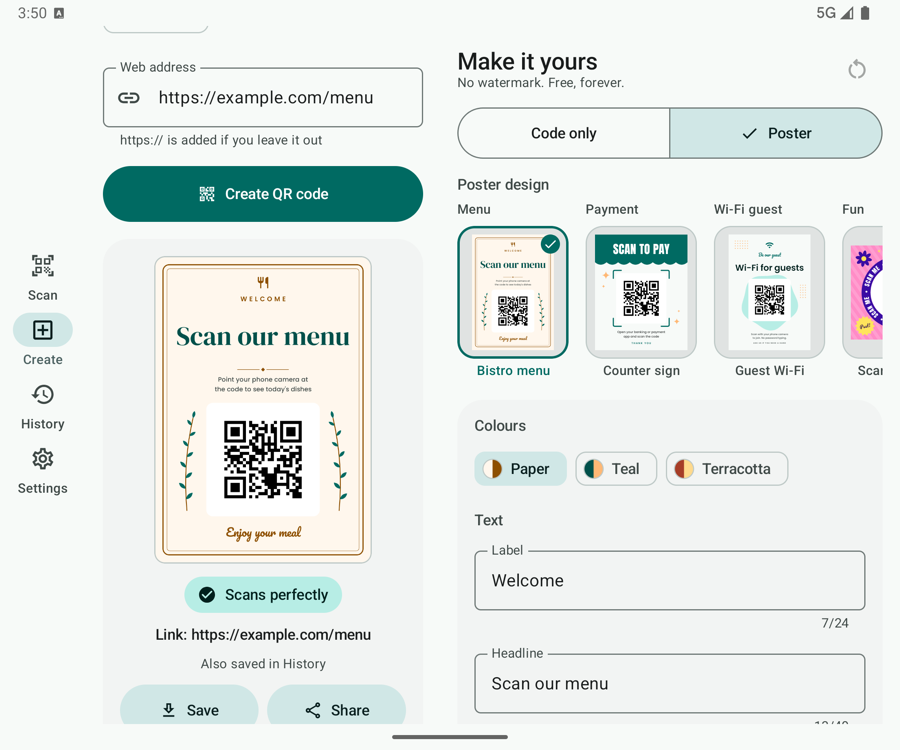
The panes meet exactly on the fold, so no button or line of text ever sits on the crease.
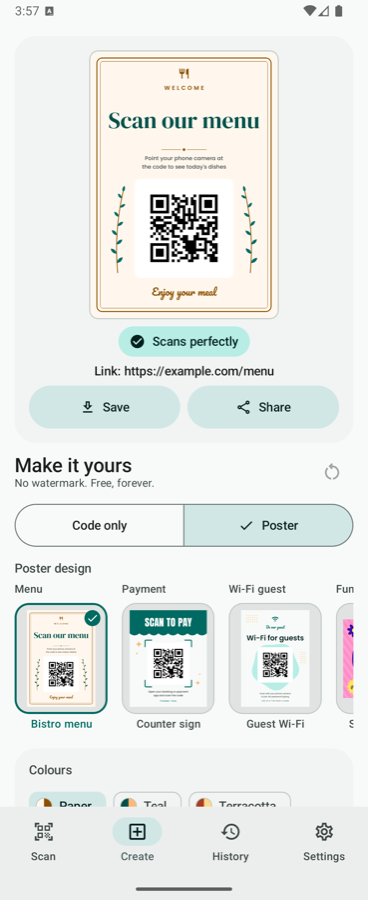
Camera or finished code above the fold, controls below, so a half folded Flip becomes a little scanning stand.
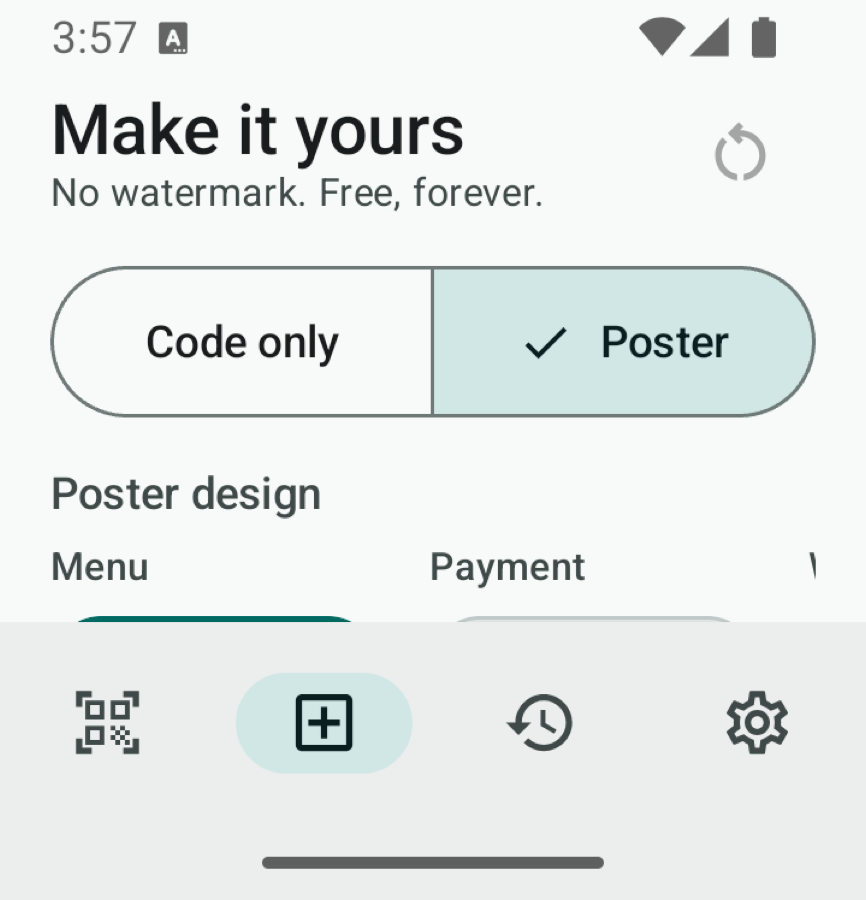
On the small outer screen the navigation drops to icons and the studio collapses, so nothing is cut off.
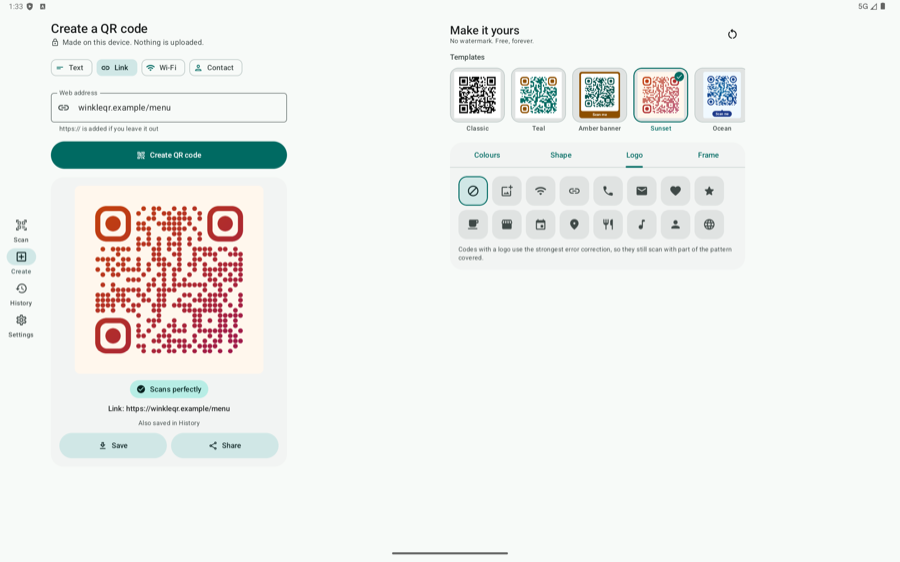
Wide layouts with a rail, a roomy studio, and reading width capped so text never stretches across twelve inches.
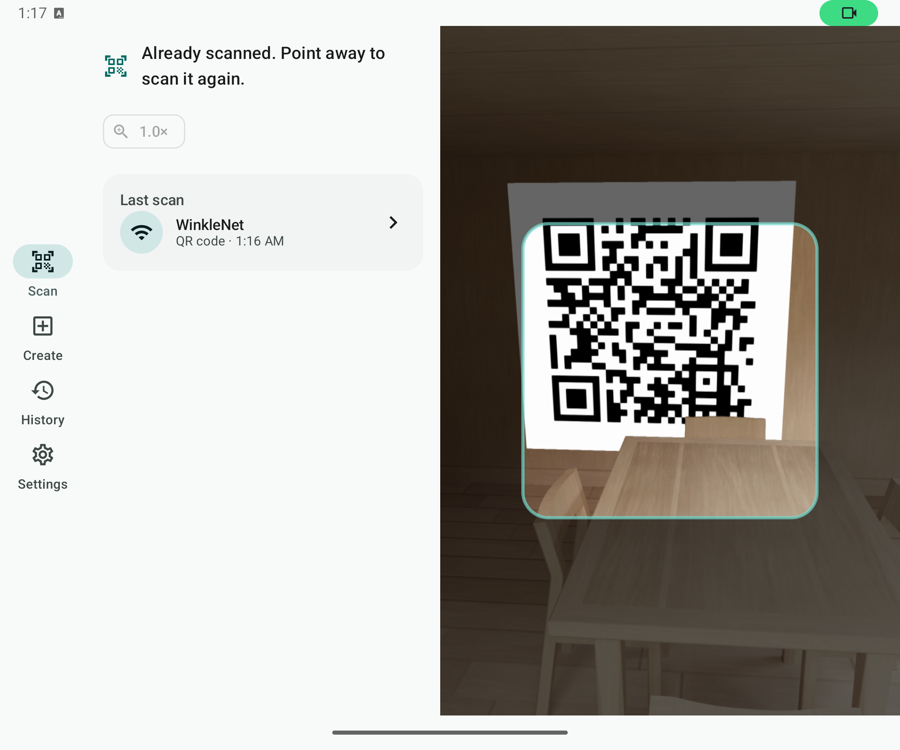
Open, close or rotate while the camera is live. The preview keeps running, and your typing, your style and your place in the list all survive.
A look inside
Proof, not vibes
Anyone can write "we respect your privacy". Here is what actually stands behind it.
Free, no ads, no account. There is nothing to sign up for, so the privacy policy below really is the whole story.
Read the privacy policy See the features